SwiftUI Background Remover Source Code

SwiftUIiOS 17+Xcode 26.3Vision + Core MLNo Third-Party Libraries

Buy SwiftUI Background Remover Source Code for $129: a complete Xcode project for iOS developers building a native photo-editing app. Built for iOS 17+, it uses Vision and Core ML for on-device background removal, with transparent cutouts, solid-color backgrounds, and PNG export.

$129

✓ Complete Xcode project

✓ Full SwiftUI source code

✓ Free support included
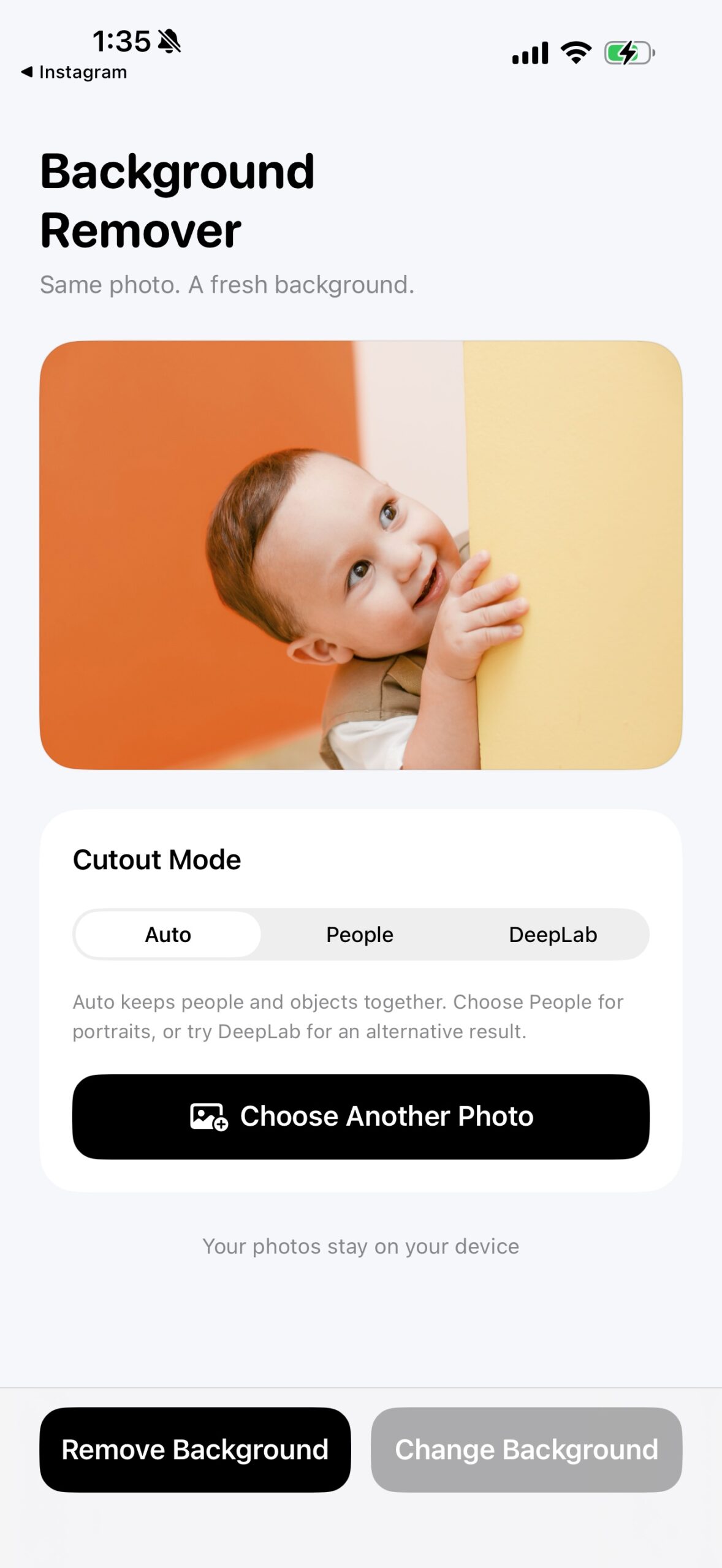
Original photo in Background Remover with Auto, People and DeepLab modes
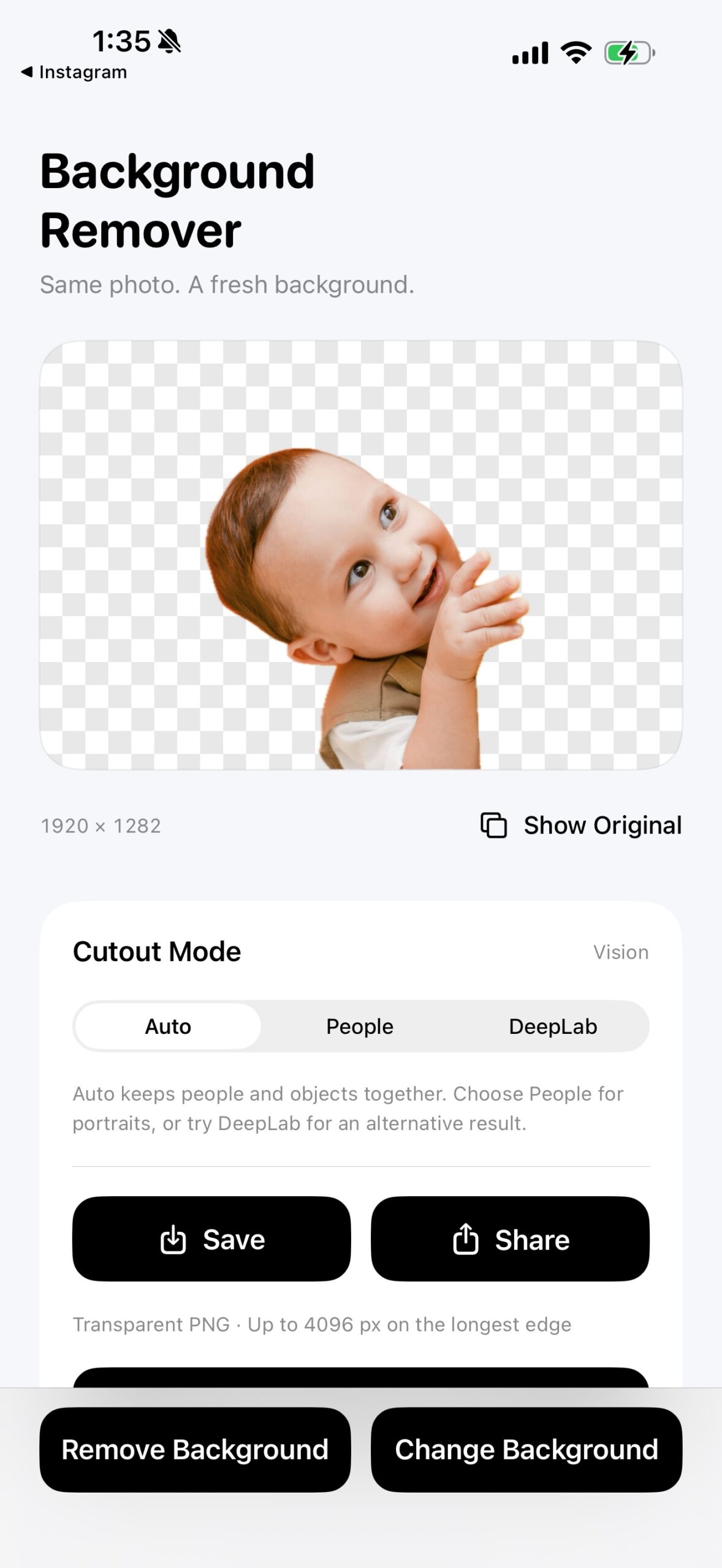
Background Remover transparent cutout with PNG save and share controls
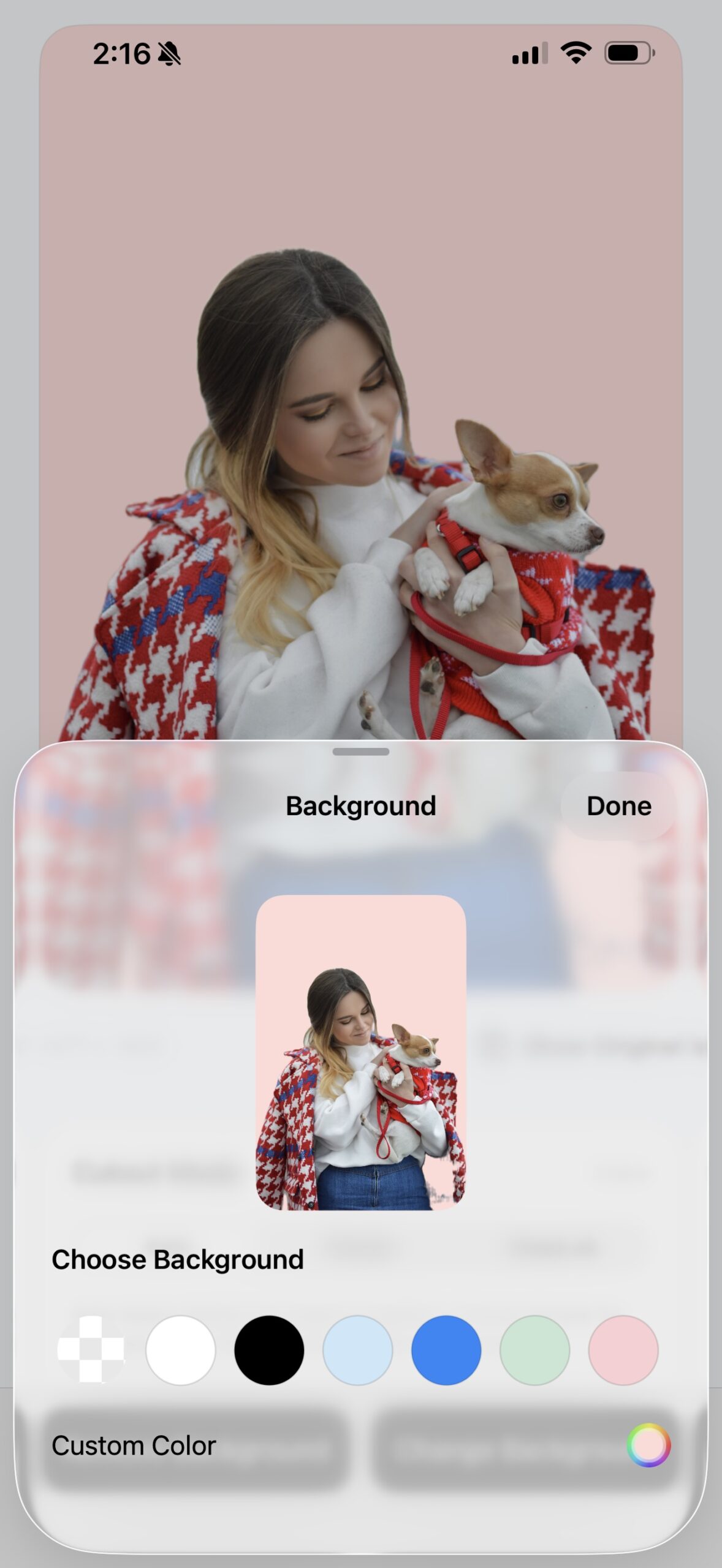
Native color picker with a pink background preview
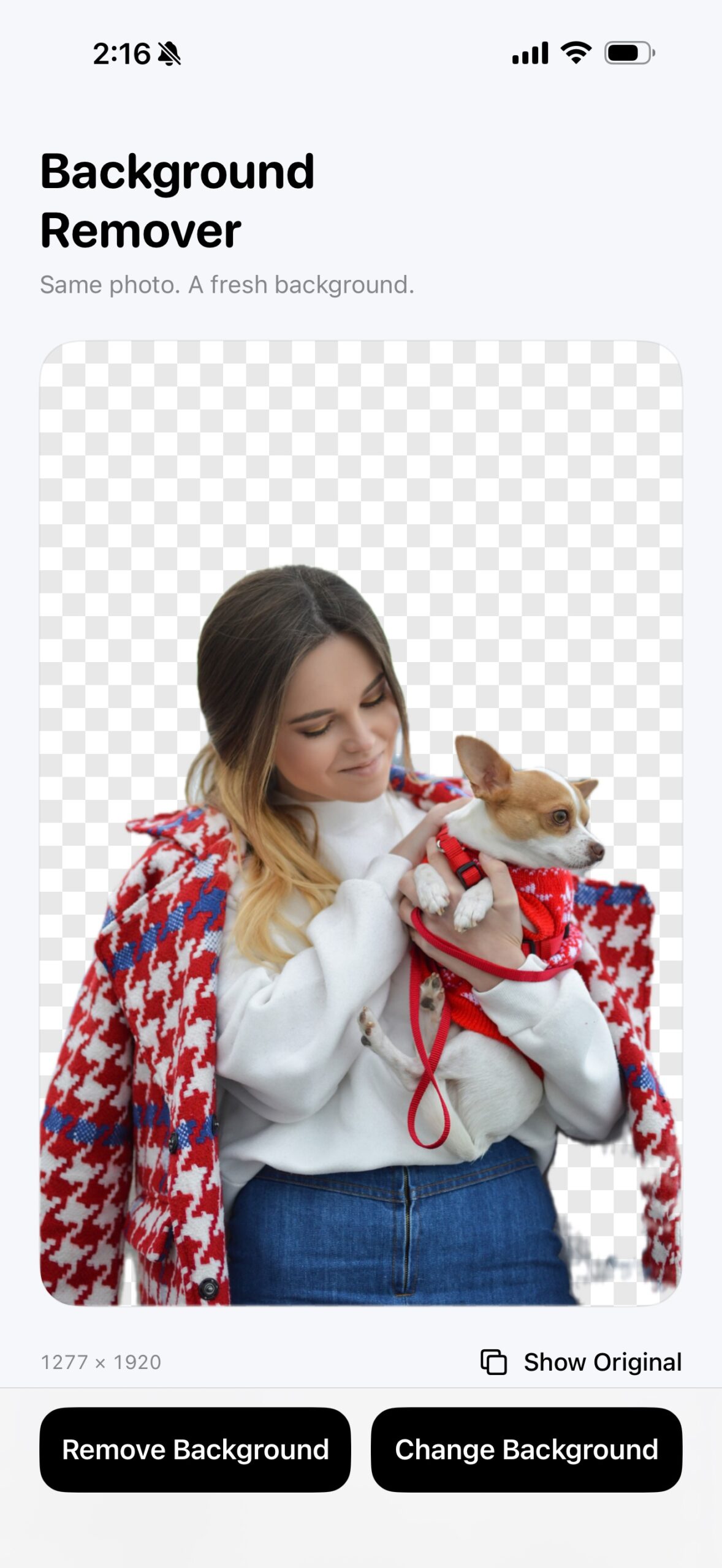
Woman and dog isolated on a transparent background

App screenshots · Original photo, transparent cutout, color backgrounds, and people with pets

About This Template

This native iOS source-code template brings background removal, cutout previews, and background-color replacement into one editing workflow. It uses Apple frameworks—SwiftUI, Vision, Core ML, and Core Image—with a bundled DeepLab V3 model and no third-party library dependencies. On-device processing keeps photos private, while a focused Swift codebase makes the app easy to customize and maintain. Built for responsive editing on iPhone and iPad running iOS 17 or later.

App Features

Three cutout modes
Use Auto for people and objects together, People for portraits, or DeepLab for an alternative segmentation result. Vision and Core ML run locally on the device.

Solid colors or transparency
Keep a transparent background, choose a preset color, or use the native SwiftUI color picker. A live preview makes it easy to find the right look.

Clear, focused editing
Compare the cutout with the original photo. Fixed Remove Background and Change Background controls stay within reach in a light interface with black buttons.

Save and share PNG
Export transparent or color-background PNG images up to 4096 pixels on the longest edge. Save to Photos or share the result using the native iOS share sheet.

Technologies and Development Requirements

The project uses Swift and SwiftUI for its native interface, with Apple Vision and Core ML for local image segmentation. Core Image supports the image-processing workflow, and the existing implementation includes a DeepLab V3 model. These frameworks provide a starting point for exploring how a photo becomes a subject mask, a cutout, and a composited image.

The app targets iPhone and iPad running iOS 17 or later. The project’s listed development environment is Xcode 26.3; use a Mac capable of running that version when preparing your build. Earlier Xcode versions have not been verified here. Test your own changes on the devices and iOS versions you intend to support, particularly when changing the segmentation or export workflow.

What You Receive

The $129 one-time purchase provides the complete Xcode project and full SwiftUI source code. This is a developer product to open, inspect, and customize in Xcode. The purchase button takes you to the existing Gumroad checkout. Review the product’s terms there before buying if you need clarification about licensing or a particular intended use.

Who This Project Is For

This template is intended for iOS developers building photo-editing utilities, developers studying on-device image processing, and teams evaluating a starting point for a custom image-cutout experience. Familiarity with SwiftUI and Xcode will help you adapt the interface and test changes. It is source code rather than a browser-based tool for uploading photos.

Customization Possibilities

With access to the source, you can adapt the SwiftUI screens, change the app’s visual styling and background-color choices, or extend the editing and export experience. Treat these as development possibilities, not additional features included in the purchase. Check the output quality after changes to image processing, and review the applicable product and model terms before redistribution.

Frequently Asked Questions

Is this a free online background remover?
No. This page sells a paid SwiftUI background remover source code project for developers. Photo editing happens in the iOS app built from the project; this website does not provide an upload-and-remove service.

Does background removal run on the device?
Yes. The documented implementation runs Vision and Core ML locally for background removal. It does not require sending the photo to a remote background-removal service for that processing step.

Can I keep a transparent background?
Yes. You can export a transparent PNG or replace the background with a solid color. The app also supports saving to Photos and sharing through the native iOS share sheet.

Which cutout mode should I use?
Auto handles people and objects together, People is intended for portraits, and DeepLab provides an alternative segmentation result. Compare the available modes on your own images; subject boundaries, lighting, and background complexity can affect the result.

Where can I explore other projects or discuss customization?
Browse our Swift and SwiftUI App Templates for other Xcode projects, or contact CodeForApps about app development and customization with details of your requirements.